AI-ASSISTED · VISIBLE-SKIN REPORT
Analyze your skin.
Get your personal routine.
A 1-minute skin analysis, then a routine and products picked for you.
4.1 on the App Store · 9 ratingsOpen the skincare routine appWHAT THE SCAN READS
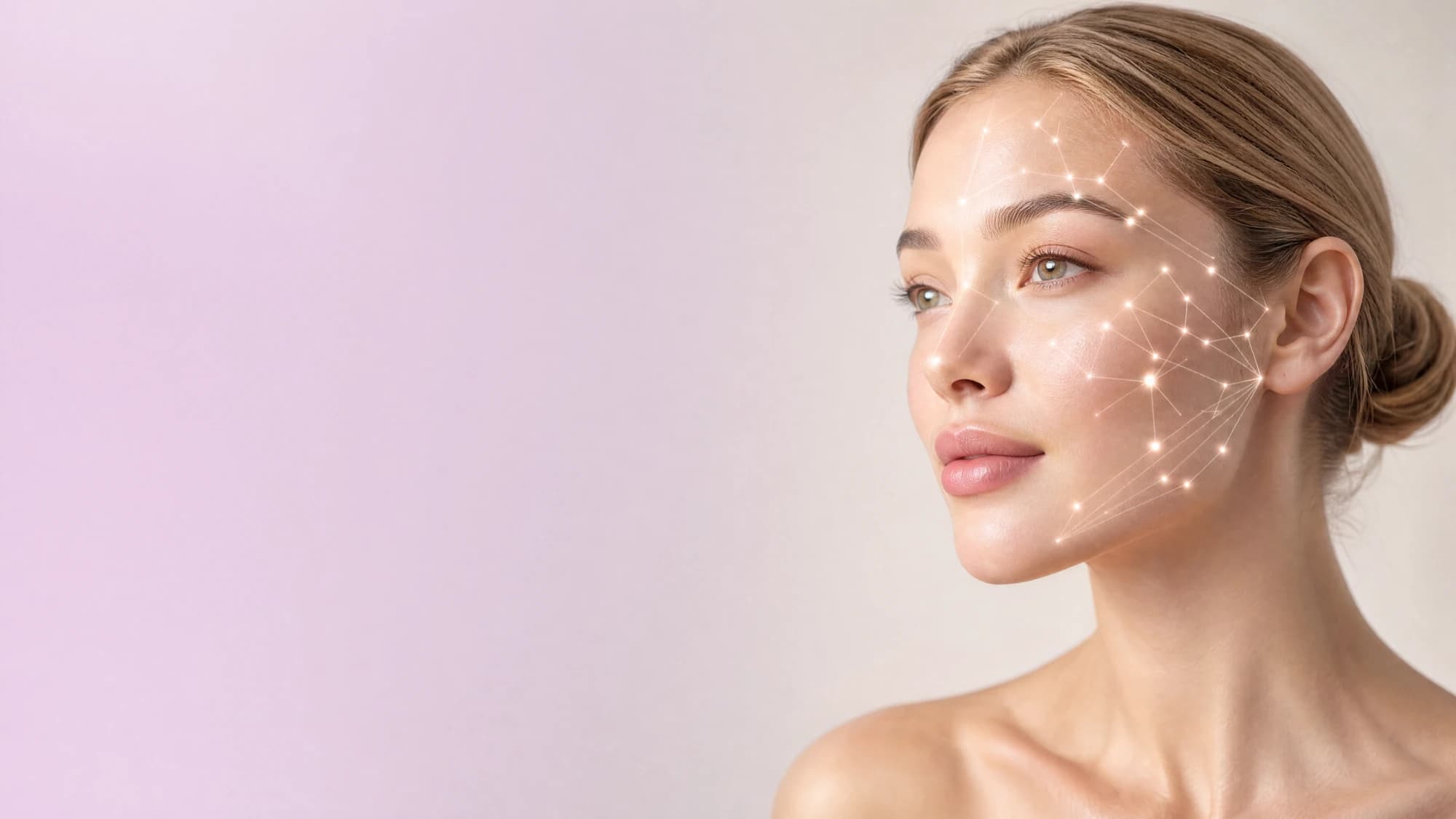
- Hydration + oiliness
- Acne + pores + texture
- Pigmentation + redness
- Firmness + lines
HOW YOUR ANALYSIS WORKS
Four steps from context to action.
Sign-in is required before the image is sent for analysis. Camera access begins only after you start the scan.
01 · PROFILE
Add useful context
Skin type, habits, location, sun exposure, and routine context make the result easier to interpret.
0102 · PHOTO
Capture or upload
Use the camera or choose a clear, front-facing image with even light and limited obstruction.
0203 · ANALYZE
Read visible patterns
Your photo is reviewed for visible skincare patterns and turned into a clear set of skin insights.
0304 · ACT
Turn results into next steps
Review focus areas, strengths, product direction, and routine links instead of stopping at a score.
04PHOTO CHECKLIST
Help the camera see clearly
- Even front lighting
- Straight-on angle
- Face fully visible
- Minimal makeup or obstruction
FOR A CLEARER PHOTO
Reduce what changes the image
- Harsh side shadows
- Beauty filters
- Hair covering the face
- Blur or extreme angles
WHAT THE SCAN REVIEWS
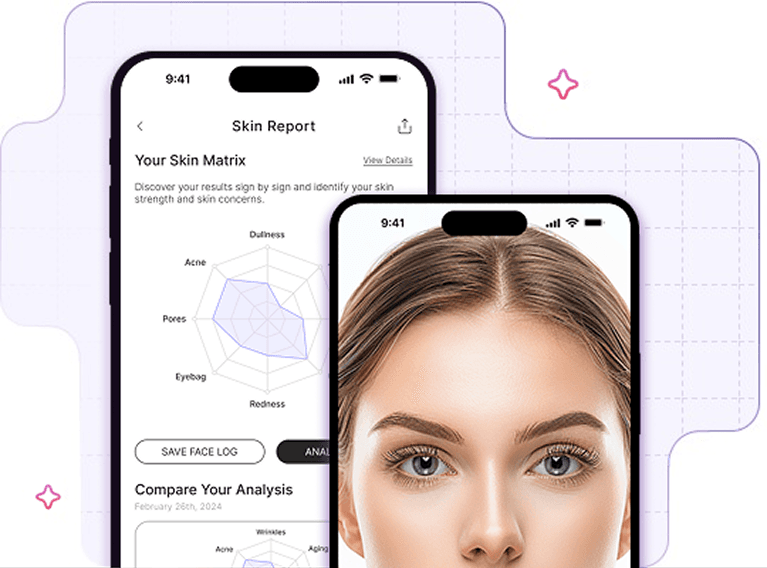
See several visible skin areas in one report.
Results show only the areas that can be assessed clearly; missing values are not estimated.
Hydration + oiliness
Acne + pores + texture
Pigmentation + redness
Firmness + lines + eye area
REPORT PREVIEW
FROM PHOTO TO PLAN
A useful result ends with direction.
See your skin insights, focus areas, strengths, and relevant product suggestions together in one place.
SKIN SUMMARY
Visible skin insights are gathered into one clear summary.
YOUR PRIORITIES
Your results and profile help highlight the areas worth focusing on first.
ROUTINE GUIDANCE
Morning protection and evening care are organized around those priorities.
PRODUCT SUGGESTIONS
See which product types can support each step of your routine.
TRUST BOUNDARIES
Be clear about what the tool does—and does not do.
Not a diagnosis
The output supports skincare awareness and routine planning, not medical assessment.
Sign-in required
Sign in to your account before starting the analysis.
You stay in control
Camera or file selection starts only after you open the scan.
Skincare guidance
Results help organize product and routine choices without making medical claims.
Smart Beauty supports skin-awareness, concern detection, and product discovery. It does not provide medical diagnosis or replace professional care.
Read privacy informationCOMMON QUESTIONS
Does the analysis diagnose skin conditions?+
No. It organizes visible, skincare-related patterns and product-focused next steps. It does not diagnose acne, rosacea, dermatitis, allergies, or other medical conditions.
Do I need an account to analyze the image?+
Yes. Sign in to your account before starting the analysis.
What makes a useful scan photo?+
Use even front lighting, a straight-on angle, a clearly visible face, and as little makeup or visual obstruction as practical.
What happens after the result?+
You can review your results, focus areas, strengths, matched products, and routine guidance. The aim is to make a practical next step clear.
EXPLORE THE ANALYSIS